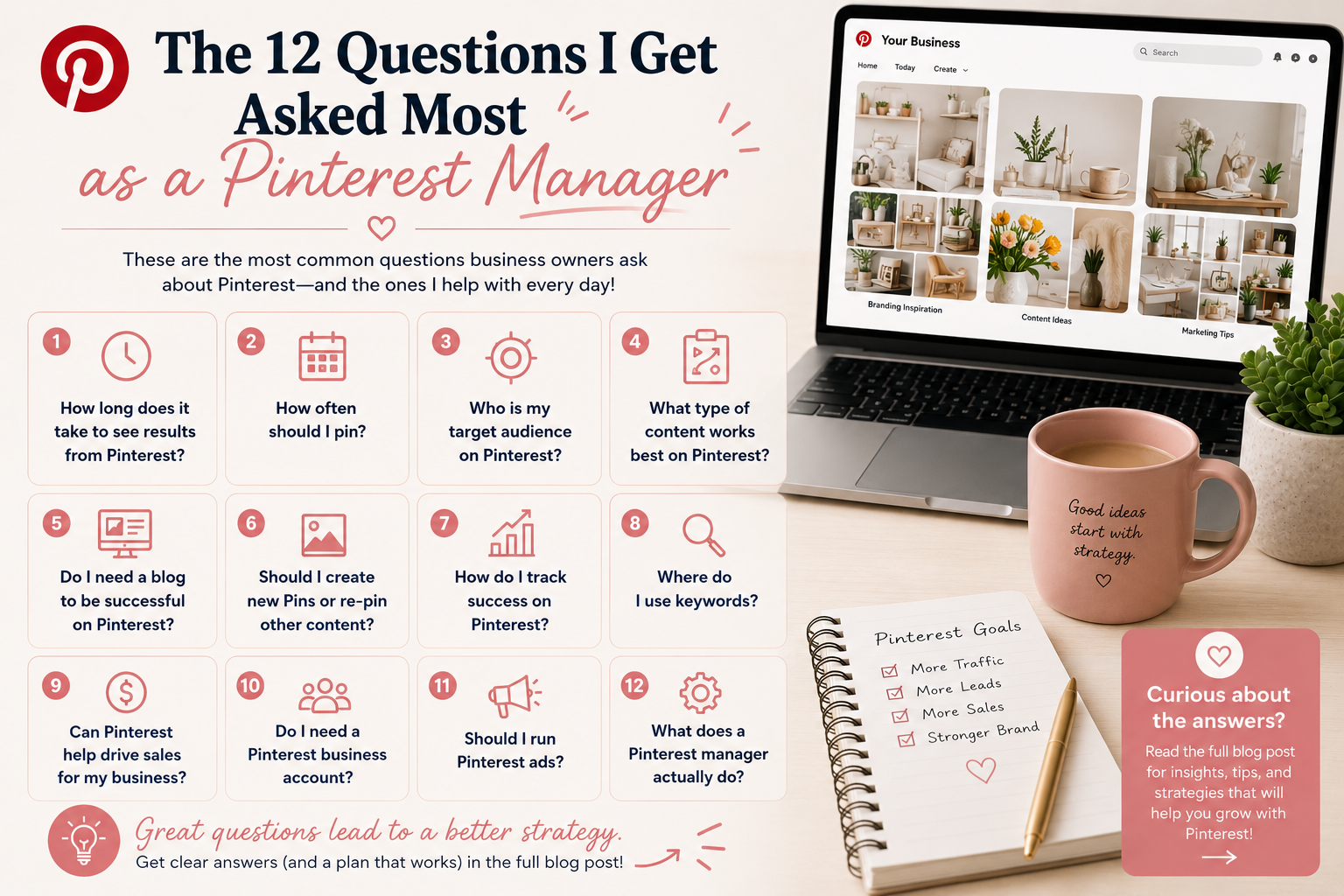
Every week clients and DM strangers ask me the same set of questions. After a few years of being on Pinterest and helping clients grow their accounts, I've answered each of these dozens of times. So I'm putting all 12 in one place.
Skim it, save it, come back when you need it.
1. How Long Does It Take to See Results From Pinterest?
Most clients see meaningful traffic shifts around the 90-day mark, with real momentum building from month 6 onward. Pinterest is a search engine, so it compounds. Pins published in month 1 will still be generating clicks in month 18 if they're set up right. The first 30 to 60 days mostly feels like nothing is happening. Trust the runway.
2. How Often Should I Pin?
Fifteen to 25 fresh pins per week is a healthy starting volume for most accounts. Below 10 you're probably not giving Pinterest enough signal. Above 30 you're spreading yourself thin without a corresponding return.
Quality and freshness matter more than raw volume. Twenty thoughtful pins per week with researched keywords will outperform 50 generic pins from the same image.
3. What Time of Day Should I Pin?
Honestly, it matters less than people think. Pinterest is not a real-time platform. A pin you publish at 2 AM and a pin you publish at 8 PM both have the same long-term lifespan.
That said, if you're going to schedule, evenings (7 to 11 PM in your target audience's time zone) historically perform slightly better. But don't lose sleep over it. Consistency matters more than timing.
4. Should I Start Pinning When I Don't Have a Lot of Content?
Yes, with caveats. You can repin the same blog post (or product, or course page) multiple times with different pin designs and different angles. One blog post can support 5 to 10 different pins. So even a small content library can fuel a few months of pinning.
But if you have very little content (1 to 3 blog posts, no product pages, no opt-ins), Pinterest will struggle to give you ROI. Get more content live first, then start serious Pinterest activity.
5. Do I Need a Blog to Be Successful on Pinterest?
Not strictly, but it helps a lot. Pinterest sends traffic to a destination. Blog posts are excellent destinations because each one becomes an asset you can pin from indefinitely.
Other destinations work too: product pages, opt-in pages, podcast episodes, YouTube videos, sales pages. If you have any of those (and many), you can build a Pinterest strategy without a blog. But a blog usually gives you the most flexibility.
6. How Many Boards Should I Have?
Between 10 and 30 active boards is the sweet spot. More than 30 and your effort spreads too thin. Fewer than 10 and you're probably missing topic variations. Start with one board per topic pillar and grow from there. See How To Create The Best Pinterest Boards For Your Business for the full breakdown.
7. What Is Pinterest SEO?
Pinterest SEO is the practice of optimizing your account, boards, and pins with keywords so Pinterest's search and discovery system will surface your content to the right people. Pinterest is a search engine. Your content only reaches people if the platform knows what it's about. SEO is how you tell it.
Deeper read: How Pinterest Search and Discovery Works.
8. Where Do I Use Keywords?
Four places, in order of importance: pin titles, board names, pin descriptions, and your profile bio. Board descriptions and alt text are bonus rounds. Use natural language with researched keywords woven in. Don't stuff. Don't make it sound robotic.
9. How Do I Find Keywords?
Five methods: Pinterest guided search bar, related searches in results, Ads Manager keyword field, Pinterest Trends tool, or hire someone to do the research for you. Full walkthrough: How To Find Keywords On Pinterest.
10. What Size Should Pins Be?
Vertical pins (2:3 ratio) perform best. The standard recommended size is 1000 x 1500 pixels. Anything taller (longer pins, 1000 x 2100 for example) used to perform exceptionally well but Pinterest has cracked down on overly long pins. Stick to 1000 x 1500 unless you have a specific reason to go taller.
11. Is AI Ruining Pinterest?
Honest answer: AI-generated images are flooding Pinterest and the platform is actively working to surface authentic content over AI spam. Pinterest's algorithm has been tuned to detect and deprioritize obvious AI-generated content (especially in categories like home decor, recipes, and travel where AI images are misleading users).
The play in 2026 is to use AI as a tool but not to publish raw AI content. Use AI to generate ideas, draft titles, write descriptions faster, but design your pins with real photos, real graphics, or stylized illustrations clearly distinguished from AI. The accounts being penalized are the ones that look like an AI image factory.
12. Should I Use Tailwind or Pinterest's Native Scheduler?
Both work. Pinterest's native scheduler is free and good enough for most accounts. Tailwind costs around $13 a month and gives you better batch tools, analytics, and a smart scheduler that picks optimal times. If you're managing 1 account, native is fine. If you're managing several or you want more advanced reporting, Tailwind is worth it.
Have a question I didn't cover?
Book a free strategy call. I'll answer it directly and tell you whether one of my services fits.
Book a Free CallRather learn to do this yourself?
PSMP (Platforms, Strategy, Marketing, Profit) is my paid community for business owners and service providers who want to get properly good at their own marketing. Live workshops, async courses, the keyword vault, guest experts, and 50% off my audit and SEO services.
Join the Community