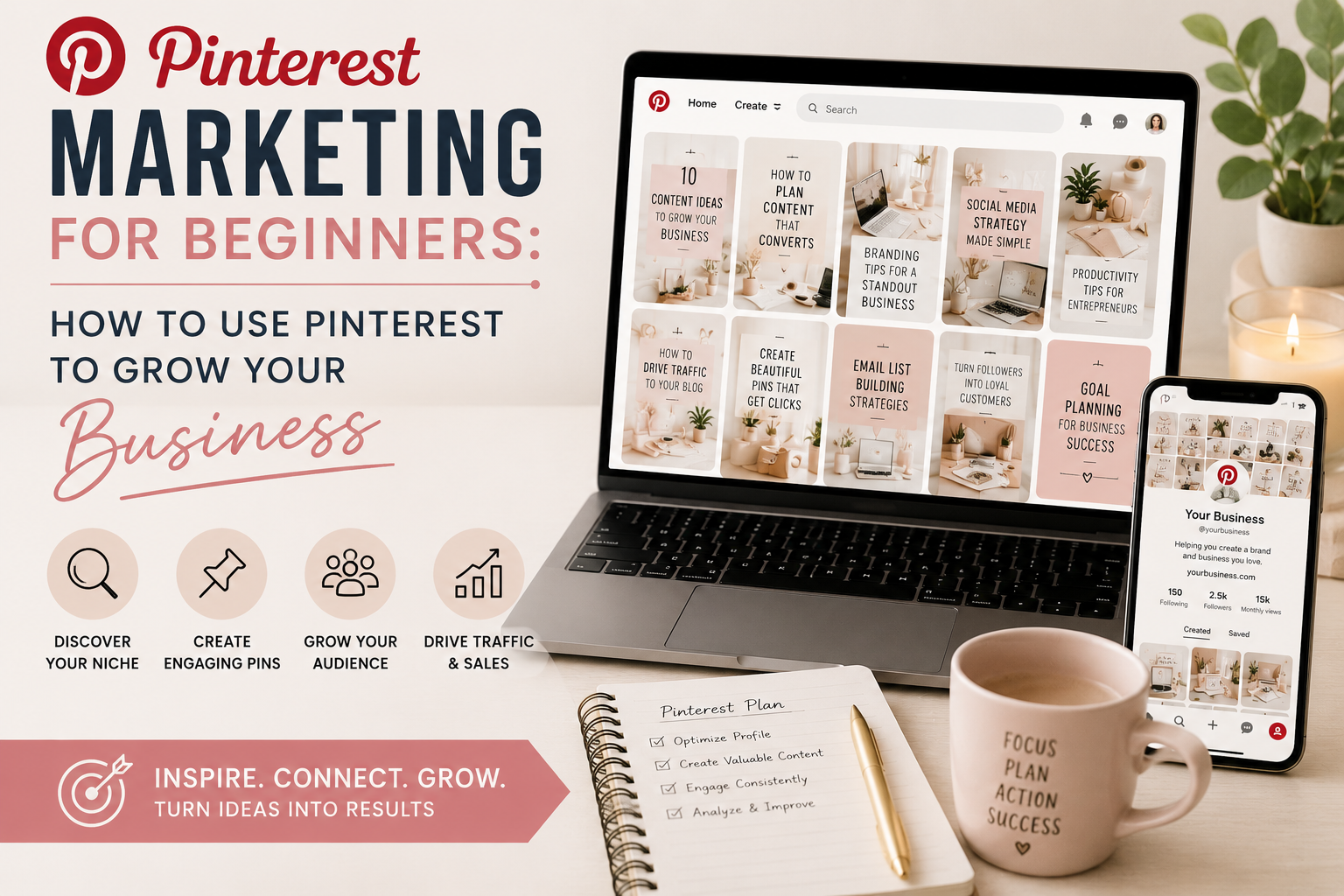
Pinterest is the most underrated traffic source for entrepreneurs, partly because most of the marketing advice you read is about Instagram or TikTok. If you have never used Pinterest for business, the platform feels foreign at first. It works differently than every other social platform you know.
This guide walks through the basics: why Pinterest is worth your time, how to set up an account properly, how to find keywords, and how to use it without it becoming a second full-time job.
Why You Should Be Using Pinterest to Market Your Business
Pinterest gives you four things almost no other platform does at the same time: long content lifespan, search-driven discovery, buyer intent, and free organic reach.
Content lifespan: a pin keeps generating impressions and clicks for months or years after you post it. Instagram and TikTok content is mostly gone in 48 hours. Pinterest pins compound.
Search-driven discovery: people come to Pinterest looking for solutions. They are not scrolling for entertainment; they are searching. That makes Pinterest traffic warmer and more likely to convert.
Buyer intent: Pinterest users plan purchases on the platform. They use it to research and decide. A click from Pinterest is more valuable than a click from most social platforms.
Free organic reach: unlike Instagram and Facebook, Pinterest does not throttle organic reach. If your content matches what people are searching for, Pinterest shows it to them, regardless of how new your account is.
How To Use Pinterest for Beginners
Pinterest has two sides: personal accounts (for saving inspiration) and business accounts (for marketing your work). For any business use, you need a business account.
A Pinterest business account is free and gives you access to Pinterest Analytics, rich pins, and the Ads Manager (which has the keyword research tool I mentioned earlier). Convert any personal account to business in your settings, or create a fresh business account from scratch.
Once your account is live, you need three things set up before you start pinning: your profile (display name with keyword, bio with keywords, profile picture), your boards (named with real keywords, with keyword-rich descriptions), and your website connection (claim your website so Pinterest can attribute clicks to you).
Account setup matters more than people realize. If your account is set up wrong (vague board names, no keywords in your bio, no claimed website), even great pins will underperform. The Growth Audit & Strategy includes full account setup and optimization if you want this done for you.
How To Use Pinterest for Marketing
The marketing strategy on Pinterest is straightforward in concept: figure out what your audience is searching for, create content that answers those searches, design pins that get clicked, and send the traffic to a place that converts.
Concretely, that means:
- Picking 5 to 10 topic pillars your business owns (these become your boards)
- Researching keywords for each pillar (see How To Find Keywords On Pinterest)
- Creating blog posts, products, or landing pages those keywords can link to
- Designing pin graphics for each piece of content (2 to 5 different designs per piece is normal)
- Scheduling pins consistently across your boards (15 to 25 fresh pins per week is a healthy starting volume)
- Reviewing analytics monthly to see what is working and double down
Find The Right Keywords to Target
Keywords are how Pinterest knows what your content is about. Without them, your pins are invisible no matter how good they look.
I wrote a full piece on this: How To Find Keywords On Pinterest. The short version is: use the Pinterest guided search bar, look at related searches in the results, and check the Ads Manager keyword field for volume data. Build a list of 30 to 50 keywords organized by your topic pillars. Use them in your boards, your bios, and your pin descriptions naturally.
If keyword research is the part that feels most overwhelming, it is included in Growth Audit & Strategy, along with a 90-day plan for where every keyword goes.
How to Use Pinterest Effectively
The single biggest mistake new Pinterest users make is treating it like Instagram. They post 1 to 3 pins per day, engage on the platform constantly, and expect quick results. Pinterest does not work that way.
Effective Pinterest use looks like this: batch-create 15 to 25 fresh pins per week, schedule them in advance through Tailwind or Pinterest's native scheduler, check analytics once per month, and otherwise leave it alone. Pinterest is not a daily engagement platform. It is a publishing platform built on search.
If you set the foundation right and pin consistently for 6 to 12 months, Pinterest will deliver traffic on autopilot. Most of my clients see meaningful results around month 4 with real momentum building from month 6 onward.
Want someone to read your account and tell you what to do first?
Growth Audit & Strategy reviews your Pinterest alongside your website, email and every other channel you use, then hands you a 90-day plan in the order to do it, with me on email while you implement. $1,297 one-time.
See the Growth AuditWant to learn Pinterest properly from day one? Browse the Pinterest courses I recommend.